

How to Create Amazing Stock Photos for your Blog in 7 Easy Steps

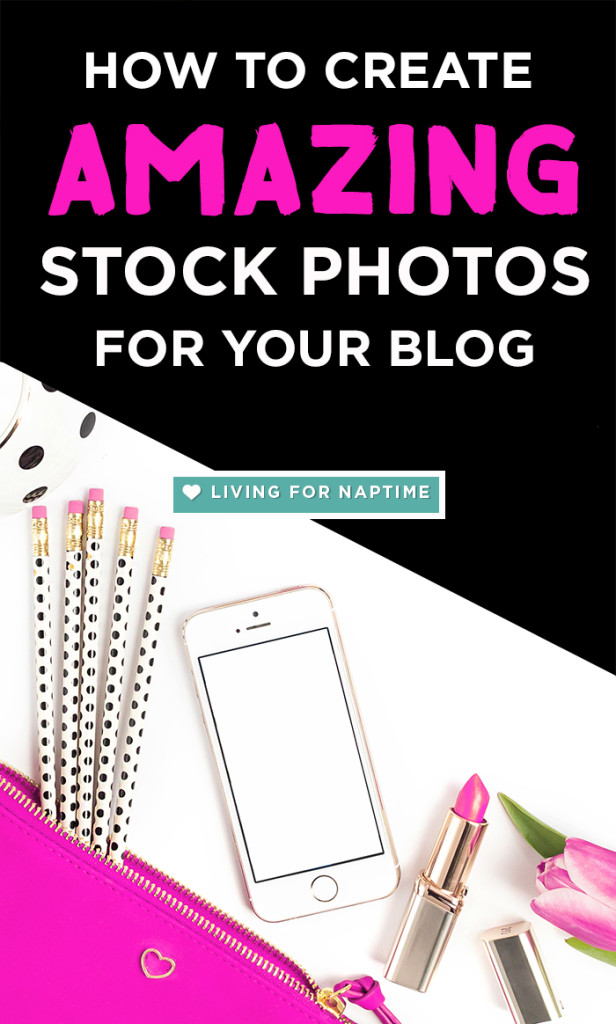
One of the most influential factors in determining if people will read your blog post is your photos. You have only moments to grab your audience’s attention, as they quickly analyze your title, image, and post tease. Creating clear, custom stock photos is easy when you follow this easy guide to create stock photos.
How to Create Amazing Stock Photos for your Blog in 7 Easy Steps Click To Tweet
Create Stock Photos in 7 Easy Steps
1. Think about your blogging brand.
Ask yourself some important questions, if you haven’t already: What is your style? What do you want your brand to convey? What makes your blog unique? What is your color palette or theme?
This information will help you decide what you want to include in your stock photos. In addition, the style and colors will guide you as you select color themed objects in use in your photo shoot.
2. Make a list of items that you want to include in your photo shoot.
Brainstorm a list of any items you would potentially like to include in your photos. Then, separate the list into items you have and items you need to purchase. As you sort through these objects, make sure you consider your color theme. For example, I choose three colors, from my logo to emphasize in my photos. I made sure to select a few items that represent different aspects of my blogging brand that I want to convey such as, mother, writer, book-lover, coffee-drinker, and so on.
3. Gather your materials.
For this step, you will want to collect all of your materials. In addition, you will need a camera, a consistent photo background, a ladder, and a setting — preferably somewhere with lots of natural lighting. I did my photo shoot on my front porch, because it had lots of natural light, without excessive shadows. You may want to snap a few quick photos in your setting, to see if you like the lighting. If you have to use your flash, you may want to select a new space, because your photos may not turn out as clearly.
4. Study some stock photos that you like.
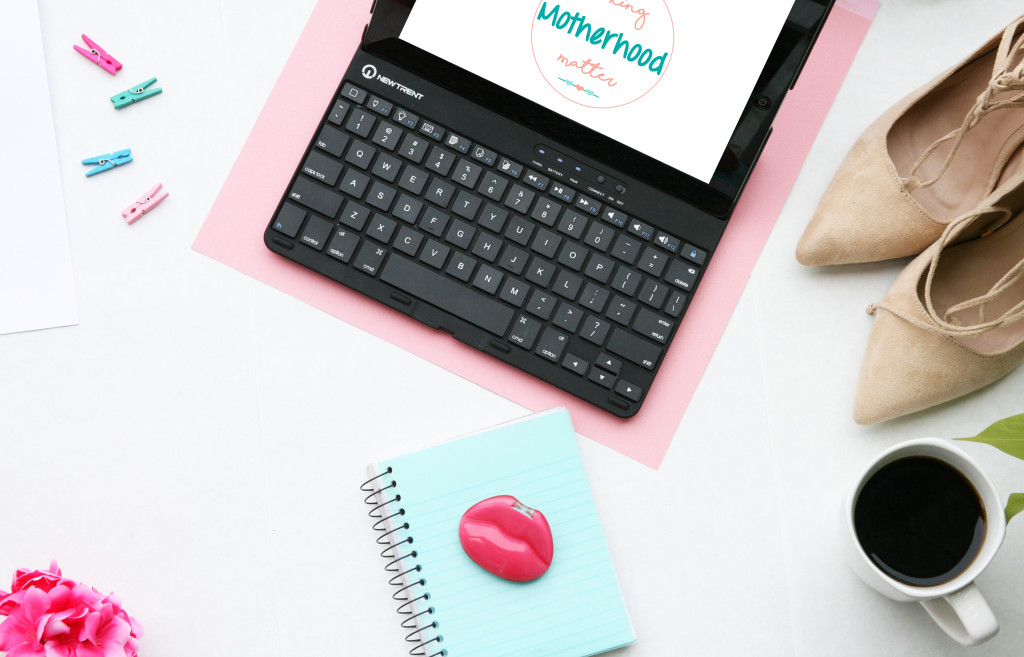
There are many sites with free stock photos. Search for a topic you use frequently. Select a few pictures that you like and study the composition. Think about the spacing. Do you want to create space for words or a logo?
5. Get Creative.
This is my favorite part. Select a few items and begin. Play around with the arrangement as you go. Snap a few shots and adjust. Add items, and take away items. Try out different perspectives by using the ladder. Review and analyze your photos as you go to get an idea of what you like. You will be amazed at what you can create.
6. Edit your photos.
Select a program to edit your photos in. I prefer Adobe Photoshop, however, there are several free photo editing programs such as PicMonkey or Canva. Most phones, tablets, and computers come with software for editing photos. When you edit, common adjustments you may want to make are brightness, exposure, cropping, and saturation. Bright, clear photos work best.
7. Share your photos.
Now that you have created some sensational stock photos, you can share them with the world. These images will be perfect for pairing with blog posts, posting to social media outlets, and promoting your blog.
Quick Guide for How to Create Stock Photos in 7 Easy Steps
1. Think about your blogging brand.
2. Make a list of items that you want to include in your photo shoot.
3. Gather your materials.
4. Study some stock photos that you like.
5. Get Creative.
6. Edit your photos.
7. Share your photos.
What kinds of items will you include in your custom stock photos?
 Amy is a Midwest mama from Michigan who enjoys sharing parenting and pregnancy resources with parents of young children on the blog, Making Motherhood Matter. If you enjoy free parenting resources, delicious recipes, and discovering what you really need for newborns, then grab a cup of coffee and come hang out at Making Motherhood Matter. I would love to connect with you on Pinterest,Facebook, Instagram or the Positive Parenting Tools Community.

Hi! I have to say your content is so refreshing. I’m in the process of setting up a blog for my business and it never even occurred to me to take my own pictures. I just figured I would buy photos or find free ones and edit in Canva. Done. Then I come across this artical and wow! Even though this is yet something else to add to the ever expanding checklist, this is going to be so fun! Thank you for the inspiration.
Loved this post! I’ve definitely been thinking about taking my own blog photos for a while. Honestly, the only reason I haven’t tried is pure laziness and the fact that I bought a subscription to Haute Chocolate -_- but… now I’m really considering it hahaha.
Time to shop for gadgets and widgets!
Great ideas! I need to start practicing with my actual camera- I’m so used to using my phone for pictures.
Great post! I am actually getting ready to across this information, is very helpful my friend. Also great blog here with all of the valuable information you have.Keep up the good work you are doing here.Well, got a good knowledge.
Awesome Tips…I can’t wait to utilize these tools!
Great post! I’ve been thinking about doing this for awhile and now you’ve inspired me 🙂
Great!